
Insights
Least privilege for AI agents: an agent does not need “API access”. It needs access to a specific job
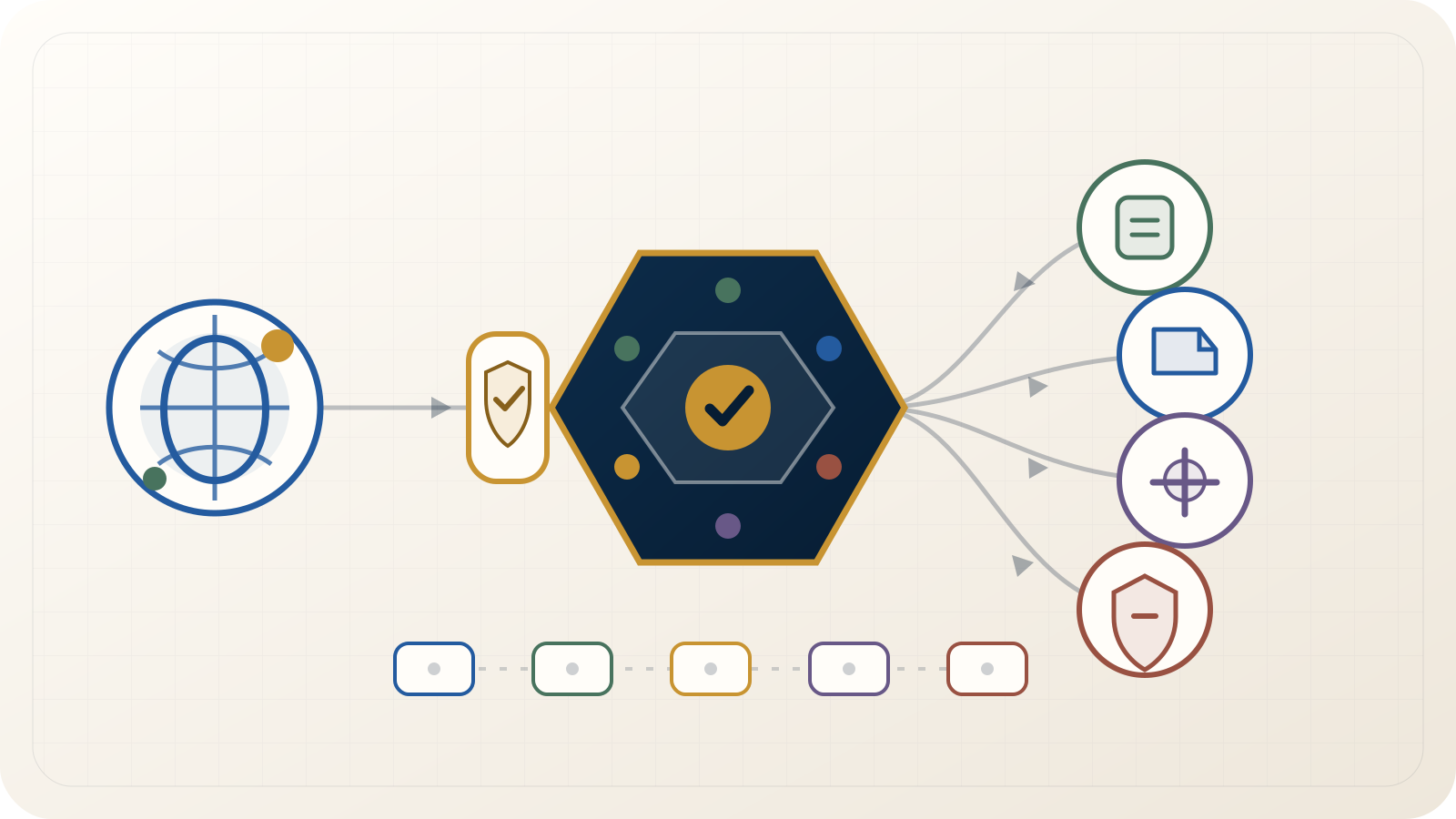
A common prototype shortcut is to give an agent a token, expose all tools and constrain behaviour with a prompt. That makes a demo easier. In production it creates a problem: intent written in prompts becomes the main barrier between a model error and the full capability of the account.
Least privilege for an agent does not end with a read-only role. At minimum, we should constrain five things: tools, operation type, target resources, data and the lifetime/identity of access.
1. Limit the tool set
An agent analysing advertising performance does not need user-management functions. An agent preparing a compliance report does not need unrestricted shell access. An agent organising files in one directory does not need the whole filesystem.
The broader the tool catalog, the larger the surface for:
- selecting the wrong tool;
- prompt injection leading to an unwanted action;
- unexpected combinations of tools;
- accidental data exposure;
- configuration mistakes at the model layer.
The first question should therefore not be “what can this API do?” but:
which three or five operations does this agent need for this specific job?
Everything else can remain invisible.
2. Separate read, write, operational effect and destruction
“Has access to campaigns” is too broad.
For our tooling, an operation model is more useful:
| Scope | Meaning | Example |
|---|---|---|
read |
retrieve state and reports | get spend, status or resource list |
write |
prepare or modify configuration | create draft, rename, change a parameter |
operate |
activate a business consequence | enable a campaign, publish, start synchronization |
destructive |
delete, detach or revoke | delete a resource, remove access, perform difficult-to-reverse change |
An agent can prepare a configuration without permission to activate it. It can read billing without changing payment settings. It can draft a message without permission to send it.
That boundary is often where useful autonomy lives.
3. Tool scope is not enough — constrain the resource too
A permission such as:
campaign.write
is still broad if an operator has ten accounts but the agent should work on only one.
Where practical, authorization should consider:
who
+ which agent
+ which function
+ which operation type
+ which tenant/account/project
+ which resource
+ which task context
Our internal Brillnet Ads MCP requires explicit account/customer identifiers inside an allowed boundary. A general query should not simply guess which account to operate on.
This is particularly important in multi-tenant SaaS. Selecting the wrong tenant can be more serious than a reasoning mistake inside the model itself.
4. Limit input and output data
Least privilege also applies to data.
An agent may need:
- aggregate spend, not the full list of user data;
- task status, not every attachment;
- confirmation that a credential exists, not its value;
- a person identifier, not their entire profile;
- selected document fields, not the whole repository.
If a tool can return a minimal object, return the minimal object. Do not expose a complete provider payload to the model only because the API makes it available.
The same principle applies to logging: an audit trail should contain enough evidence, not a duplicate of all source data.
5. A credential should not live longer or wider than necessary
A long-lived administrator token placed in every component's environment is easy to set up. It is also difficult to constrain safely.
We prefer a pattern closer to:
agent does not receive the secret
↓
gateway verifies identity + scope + resource
↓
only then obtains a short-lived credential
↓
performs one permitted provider call
↓
secret never enters the model response or audit record
Our internal Ads MCP obtains short-lived provider tokens at call time. Credential material is handled outside model context and is not written to application logs.
Check permission at execution time
An agent may have started a task while the operator had a certain role. Ten minutes later, that role may have been revoked. A long workflow should not assume that permission from the start of the session still applies.
For material operations, authorization is checked when the tool executes.
The same applies to approval. Consent for one action is not permission for arbitrary subsequent actions.
A prompt is not an ACL
An instruction such as:
you may only read data and must never delete anything
can be a useful behavioural rule. It does not replace a control that technically blocks DELETE.
If the model can access a destructive tool and a credential that permits deletion, that capability exists. The prompt merely asks the model not to use it.
A practical separation is:
- prompt: what the agent should do;
- authorization/policy: what the agent is allowed to do;
- provider/API role: what the technical identity can do at the provider.
The safest arrangement is when all three layers are aligned but no single one is the only control.
Profiles instead of one super-agent
In our internal advertising tool, we separate read/planning capabilities, campaign-management capabilities and an owner-level surface for rare administrative operations.
The names are not important. The point is that ordinary analysis should not run continuously with the highest privilege level.
A similar design elsewhere might be:
research-agent
- search
- read
- summarize

operations-agent
- read
- create draft
- update approved fields

admin workflow
- separate invocation
- separate identity/scope
- mandatory approval
- narrow time window
A compromise or mistake in one agent then does not automatically grant access to every class of operation.
Constrain filesystem and “universal” tools
Two categories deserve particular attention.
Shell / command execution
An unrestricted shell can bypass most of a carefully designed tool model. If an agent can execute any command as a broadly privileged OS user, fine-grained scopes elsewhere offer limited protection.
Purpose-built tools or allowlisted commands inside a constrained environment are usually easier to reason about.
Filesystem
An agent that needs to write a report to /workspace/reports does not need /etc, an operator's home directory and CI secrets.
In our internal Ads MCP, file operations are limited to approved server-side locations or bounded payloads. Arbitrary system paths are rejected.
A low-level gateway still needs scopes
Sometimes a general gateway is useful for new provider endpoints before a dedicated tool exists. It must not become an escape hatch.
It should classify:
- HTTP method;
- endpoint;
- resource;
- payload characteristics;
- whether the operation writes or destroys state.
Only then should it map the request to required permissions.
If raw_request can use a full-access token without policy checks, it is effectively administrator access regardless of how carefully the other tools were scoped.
Temporary elevation for high-risk actions
Instead of assigning a broad scope permanently, a system can use controlled elevation:
- agent prepares the operation;
- gateway detects that higher privilege is required;
- a person approves the exact parameters;
- system grants permission only for that operation or a short period;
- permission expires after execution;
- audit trail records approval and outcome.
This is not required everywhere. For critical operations it reduces the time during which broad permission exists.
Read: When should an AI agent require human approval?
Capability inventory template
Before production, write the boundary down:
| Agent / workflow | Tool | Operation | Resource | Data | Approval | Credential | Audit |
|---|---|---|---|---|---|---|---|
| campaign reporting | Ads report | read | account A | metrics without PII | no | short-lived | yes |
| campaign preparation | campaign tool | write | account A | configuration | no/conditional | short-lived | yes |
| campaign activation | campaign operate | operate | campaign X | budget + status | yes | short-lived | yes |
| resource deletion | admin tool | destructive | specific resource | minimum | yes | elevated | yes |
This is much more useful than writing “the agent has access to Google Ads”.
Anti-patterns
One API key for the whole system
Roles cannot be separated cleanly and access for one workflow is difficult to revoke.
The same tool set for every agent
The broadest function in the catalog becomes part of the risk surface of every agent.
“Read-only” only in the prompt
If the backend still accepts writes, read-only is a request, not a control.
Automatically expanding scope after a 403
Missing permission is a reason to stop and make a decision, not to “retry as admin”.
Credentials in model context
A model does not need the value of a secret to ask a trusted gateway to perform a permitted call.
Least-privilege checklist for an agent
- The agent sees only tools required for its role.
- Read and write are separate.
- Activating an operational effect has a different scope from preparing configuration.
- Destructive operations have an additional barrier.
- Permission is constrained to the tenant/account/project/resource.
- Ambiguous target resources are not guessed automatically.
- Tools return the minimum necessary data.
- Credentials stay outside model context.
- Tokens are short-lived where practical.
- Authorization is checked at execution, not only at session start.
- Filesystem and shell access are constrained or replaced with purpose-built tools.
- A raw gateway does not bypass policy.
- Privilege elevation is explicit and auditable.
- Access can be revoked centrally.
Sources
- OWASP AI Agent Security Cheat Sheet
- OWASP MCP Top 10 — Insufficient Authentication & Authorization
- Model Context Protocol — 2026-07-28 Specification
Boundary
Least privilege reduces the maximum impact of an error or abuse. It does not guarantee that an allowed operation is substantively correct. We therefore combine it with input validation, approval for high-impact actions and an audit trail.
Return to the safe AI agents guide or see Brillnet Security.